emcp_custom_147Built with the EMCP Widget Builder and registered under the EMCP Custom category of the Elementor panel. Search the panel for: tabs, vertical, pills, accordion, toggle.
Layout = top
A short overview of the product, service or plan.
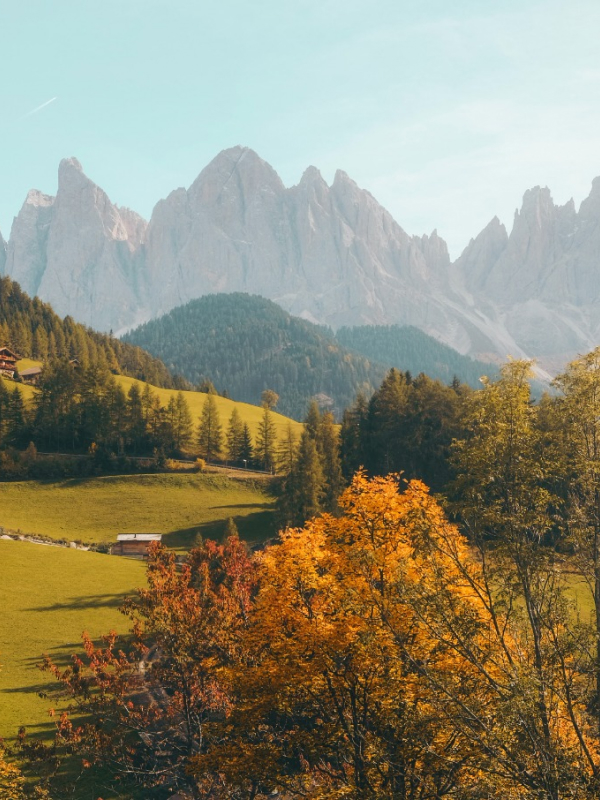
List the features that matter most to the buyer.
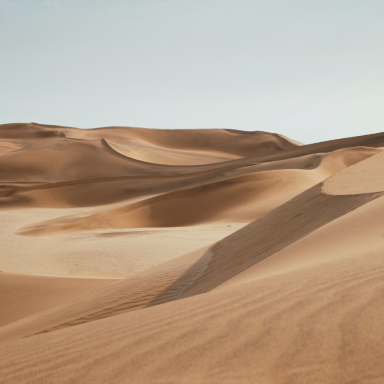
Explain what is included at each level.
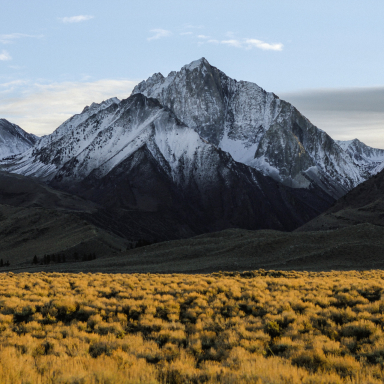
Layout = bottom
A short overview of the product, service or plan.
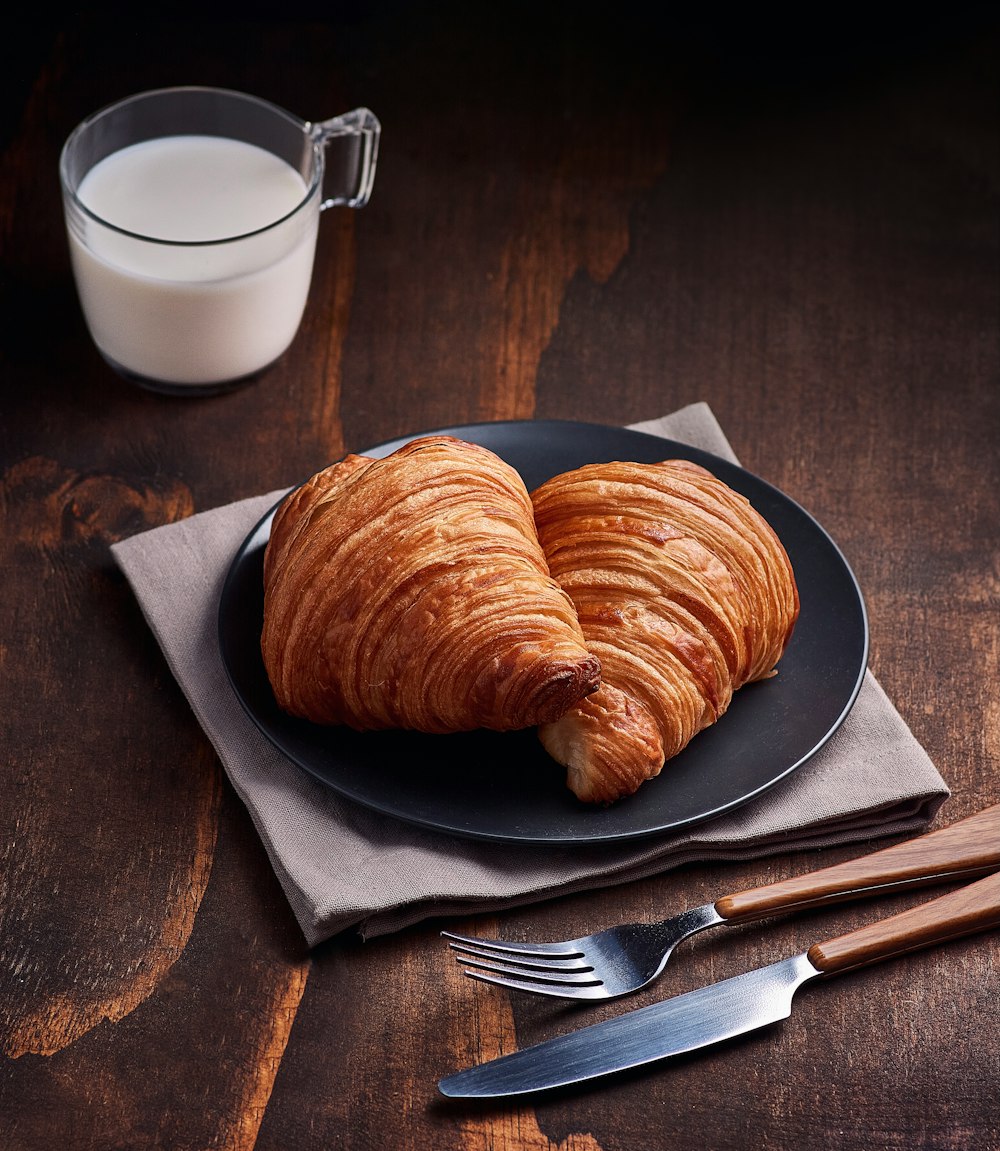
List the features that matter most to the buyer.
Explain what is included at each level.
Layout = left
A short overview of the product.

Feature list content.
Pricing content.
Layout = right
A short overview of the product, service or plan.

List the features that matter most to the buyer.

Explain what is included at each level.

Tab Style = underline
A short overview of the product, service or plan.

List the features that matter most to the buyer.

Explain what is included at each level.

Tab Style = pills
A short overview of the product, service or plan.

List the features that matter most to the buyer.

Explain what is included at each level.

Tab Style = boxed
A short overview of the product, service or plan.

List the features that matter most to the buyer.

Explain what is included at each level.

Tab Style = segment
A short overview of the product, service or plan.

List the features that matter most to the buyer.

Explain what is included at each level.

Tab Style = cards
A short overview of the product, service or plan.

List the features that matter most to the buyer.

Explain what is included at each level.

Tab Style = minimal
A short overview of the product, service or plan.

List the features that matter most to the buyer.

Explain what is included at each level.

Switch On = click
A short overview of the product, service or plan.

List the features that matter most to the buyer.

Explain what is included at each level.

Switch On = hover
A short overview of the product, service or plan.

List the features that matter most to the buyer.

Explain what is included at each level.

Every control the widget exposes, grouped by panel section. Names in code are the setting keys used by the MCP tools (add-free-widget, update-widget).
Tabs
| Option | Type | Choices / range | Default | Notes |
|---|---|---|---|---|
Tabstabs | Repeater | 3 items | ||
↳ Titletitle | Text | Tab | ||
↳ Subtitlesubtitle | Text | |||
↳ Iconicon | Icon | |||
↳ Badgebadge | Text | |||
↳ Content Imageimage | Image | |||
↳ Contentcontent | Rich text | Tab content goes here. | ||
Layoutlayout | Dropdown | Horizontal (tabs on top), Horizontal (tabs below), Vertical (tabs left), Vertical (tabs right) | top | |
Tab Stylestyle | Dropdown | Underline, Pills, Boxed (attached to panel), Segmented control, Cards, Minimal text | underline | |
Tab Alignmentalign | Button group | Start, Center, End, Stretch | flex-start | |
Icon Positionicon_pos | Dropdown | Left of title, Above title, Right of title | left | |
Default Active Tab (1 = first)active | Number | min 1, max 30 | 1 | |
Switch Ontrigger | Dropdown | Click, Hover | click | |
Content Animationanim | Dropdown | Fade, Fade up, Slide, None | fade | |
Autoplay Interval (ms, 0 = off)autoplay | Number | min 0, max 30000 | 0 | |
Update URL Hashhash | Toggle | on / off | ||
Accordion on Mobilemobile_acc | Toggle | on / off | yes | |
Content Image Positionimg_pos | Dropdown | Right of text, Left of text, Above text | right |
Tab Buttons
| Option | Type | Choices / range | Default | Notes |
|---|---|---|---|---|
Typographytab_typo | Typography | |||
Colortab_color | Color | #475467 | ||
Hover Colortab_color_h | Color | #101828 | ||
Active Colortab_color_a | Color | #6a11cb | ||
Active Text on Filled Tab (pills)tab_color_a_fill | Color | #ffffff | ||
Backgroundtab_bg | Color | |||
Hover Backgroundtab_bg_h | Color | |||
Active Backgroundtab_bg_a | Color | |||
Accent (underline / pill)accent | Color | #6a11cb | ||
Paddingtab_pad | Dimensions | |||
Gap Between Tabstab_gap | Slider | min 0, max 40, px | 4 | |
Radiustab_radius | Slider | min 0, max 60, px | 8 | |
Bordertab_border | Border | |||
Active Border Colortab_border_a | Color | |||
Nav Bar Backgroundnav_bg | Color | |||
Nav Bar Paddingnav_pad | Dimensions | |||
Nav Width (vertical layouts)nav_w | Slider | min 120, max 600, px/% | 260 | |
Icon Sizeicon_size | Slider | min 10, max 64, px | 18 | |
Icon Coloricon_color | Color | |||
Active Icon Coloricon_color_a | Color | |||
Subtitle Typographysub_typo | Typography | |||
Subtitle Colorsub_color | Color | #98a2b3 | ||
Badge Colorbadge_color | Color | #ffffff | ||
Badge Backgroundbadge_bg | Color | #d92d20 |
Content Panel
| Option | Type | Choices / range | Default | Notes |
|---|---|---|---|---|
Typographypanel_typo | Typography | |||
Text Colorpanel_color | Color | #344054 | ||
Backgroundpanel_bg | Background | |||
Paddingpanel_pad | Dimensions | |||
Borderpanel_border | Border | |||
Radiuspanel_radius | Slider | min 0, max 60, px | 12 | |
Shadowpanel_shadow | Box shadow | |||
Gap Between Nav and Panelpanel_gap | Slider | min 0, max 80, px | 20 | |
Min Heightpanel_minh | Slider | min 0, max 800, px | ||
Content Image Widthimg_w | Slider | min 20, max 80, % | 40 | |
Content Image Radiusimg_radius | Slider | min 0, max 60, px | 12 |
Any connected agent can place this widget: call add-free-widget with widget_type: "emcp_custom_147" and a settings object using the keys above. Run get-custom-widget with id 147 for the full JSON spec.