← All widgetsWidget 186 ·
emcp_custom_186Media Carousel
Elementor widget5 layouts14 content options22 style options3 panel sections
Built with the EMCP Widget Builder and registered under the EMCP Custom category of the Elementor panel. Search the panel for: carousel, gallery, slider, video, images, thumbnails, lightbox.
Setup guide
- Open a page in Elementor, search the panel for Media Carousel and drag it into a container.
- Content › Media: Items, Layout, Slides Per View, Gap, Aspect Ratio, Caption Position, Open Images in Lightbox, Autoplay and 6 more.
- Pick a Layout: Slide, Coverflow, Fade, Main + thumbnail strip, Centre with peeking neighbours. Each one is shown below.
- Style tab sections: Slide, Captions & Nav. Colours, typography and spacing set here are scoped to this widget instance.
- Publish. Every option is a standard Elementor control, so it responds to the editor, dynamic tags and global styles as usual.
Ships with its own JavaScript; it runs once per instance and re-initialises inside the Elementor editor preview.
Layout
Slide
Layout = slide
 ▶
▶One
One
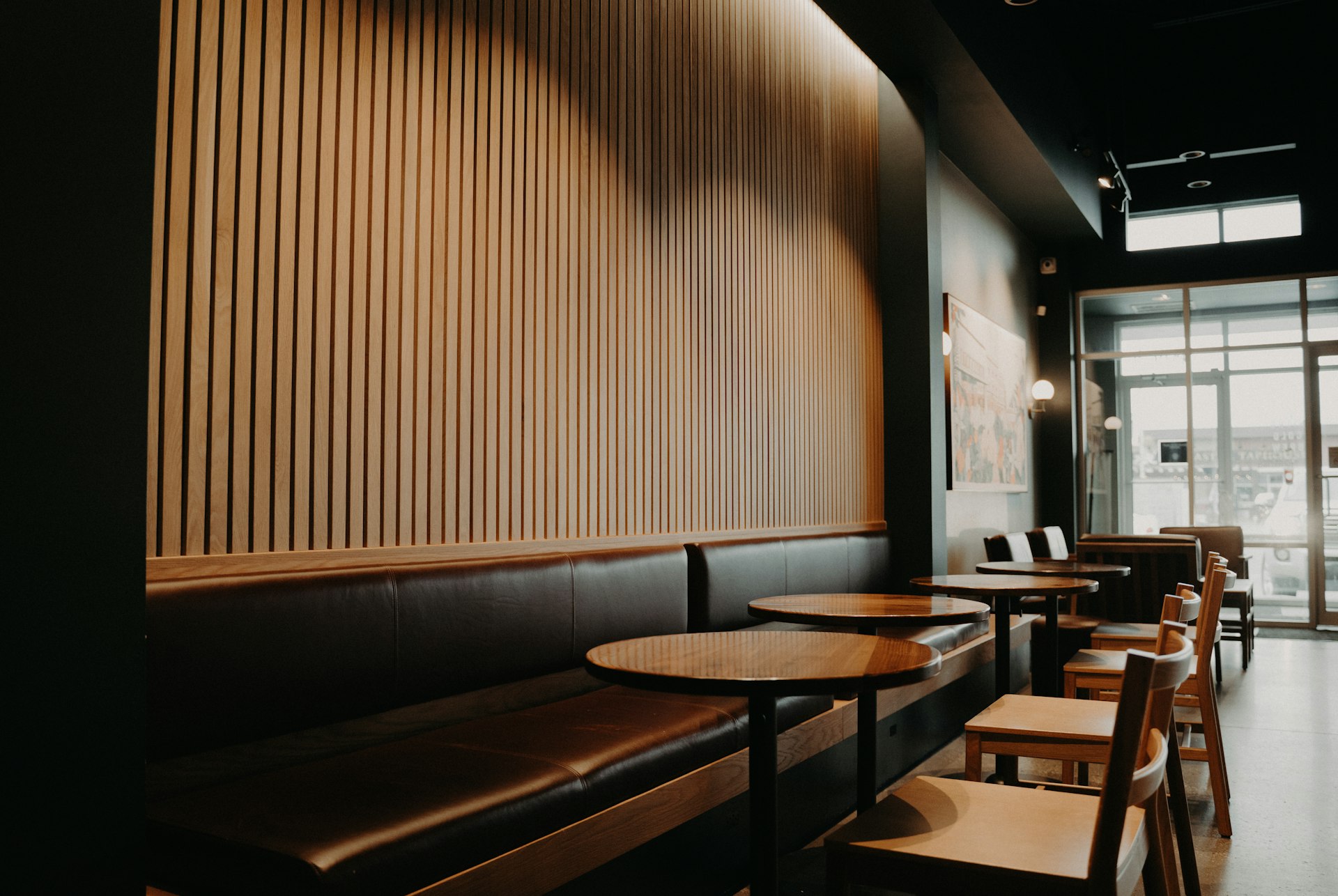 ▶
▶Two
Two
 ▶
▶Three
Three
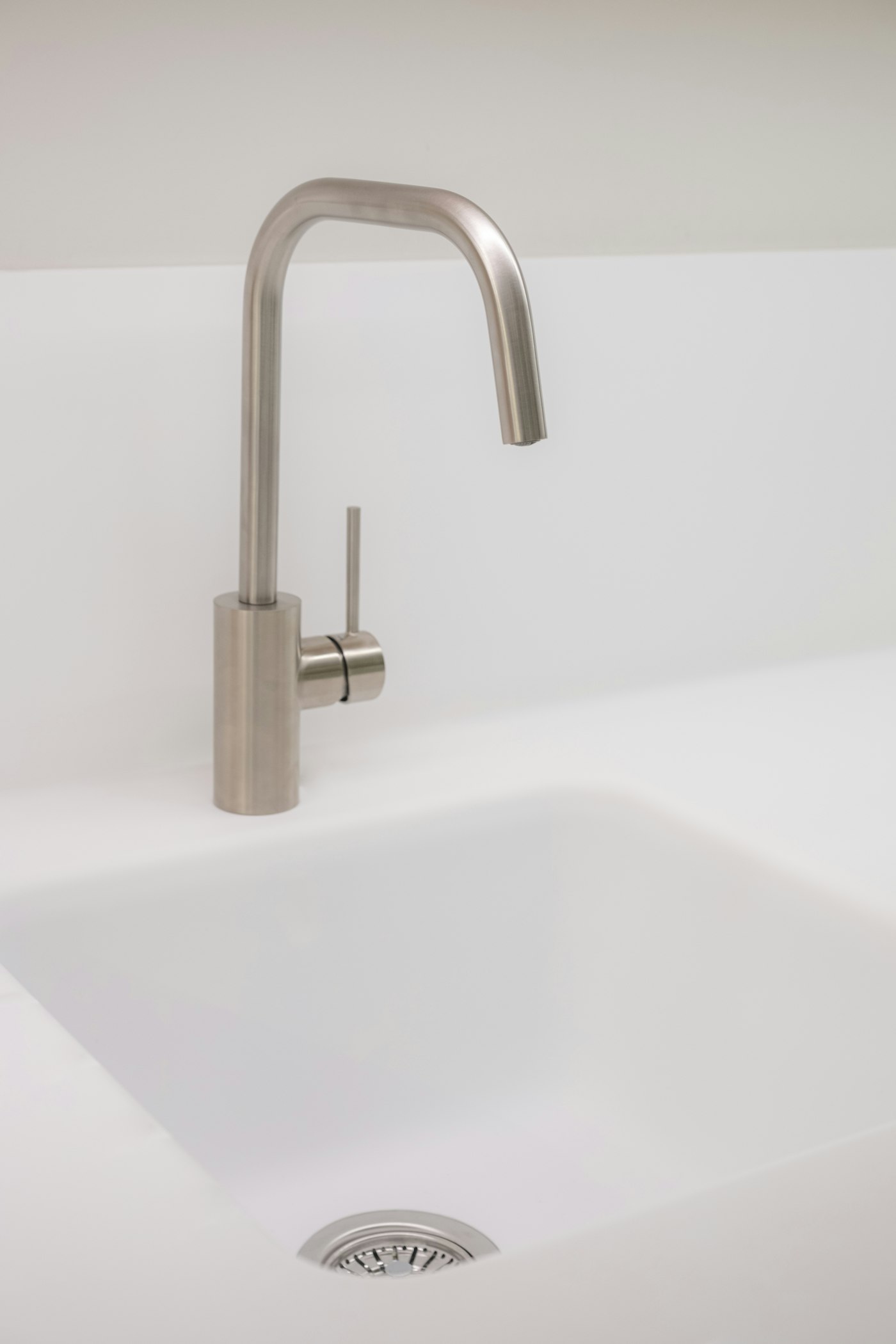 ▶
▶Four
Four
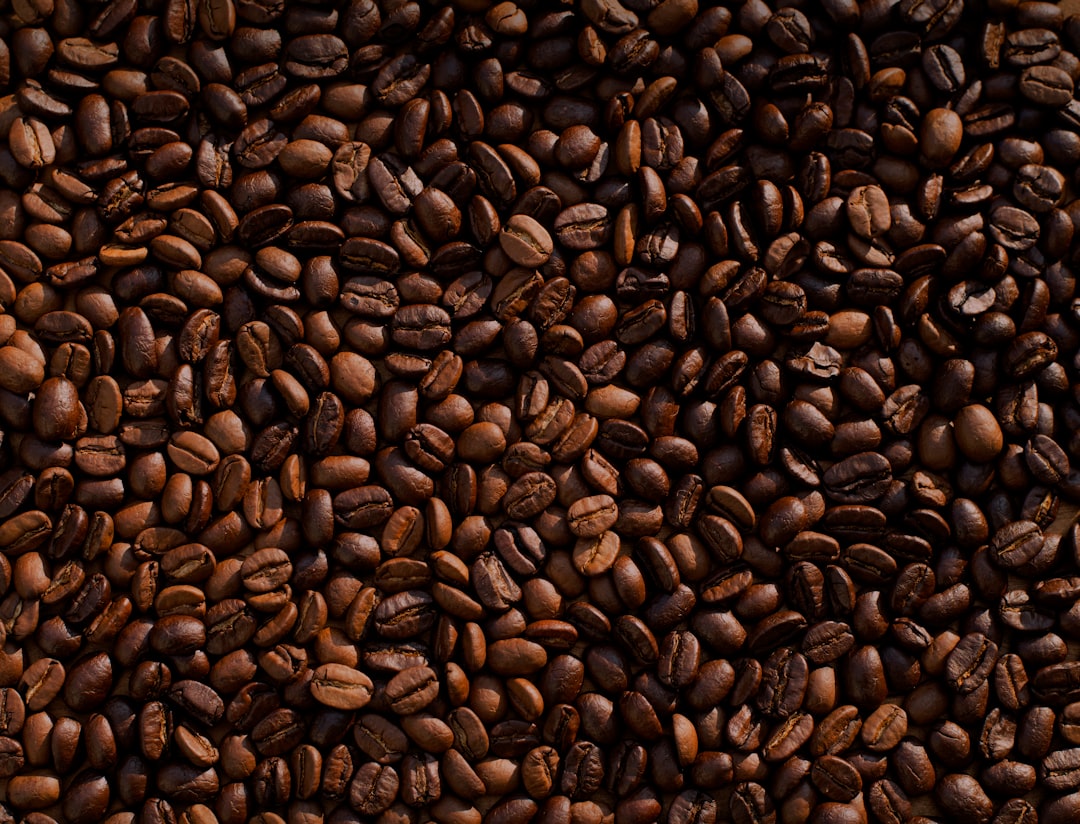 ▶
▶Five
Five
Layout
Coverflow
Layout = cover
▶One
One
▶Two
Two
▶Three
Three
▶Four
Four
▶Five
Five
Layout
Fade
Layout = fade
▶One
One
▶Two
Two
▶Three
Three
▶Four
Four
▶Five
Five
Layout
Main + thumbnail strip
Layout = thumbs
 ▶
▶Morning lightStudio A
Morning lightStudio A
 ▶
▶Behind the scenes
Behind the scenes
 ▶
▶Detail
Detail
 ▶
▶Packaging
Packaging
Layout
Centre with peeking neighbours
Layout = peek
▶One
One
▶Two
Two
▶Three
Three
▶Four
Four
▶Five
Five
Options reference
Every control the widget exposes, grouped by panel section. Names in code are the setting keys used by the MCP tools (add-free-widget, update-widget).
Content tab
Media
| Option | Type | Choices / range | Default | Notes |
|---|---|---|---|---|
Itemsitems | Repeater | 4 items | ||
↳ Typekind | Dropdown | Image, Video (YouTube / Vimeo / MP4) | image | |
↳ Image / Posterimage | Image | |||
↳ Video URLvideo | Text | |||
↳ Captioncaption | Text | |||
↳ Sub-captionsub | Text | |||
↳ Link (images)link | Link | |||
Layoutlayout | Dropdown | Slide, Coverflow, Fade, Main + thumbnail strip, Centre with peeking neighbours | slide | |
Slides Per Viewper_view | Dropdown | 1, 2, 3, 4, 5 | 3 | Responsive |
Gapgap | Slider | min 0, max 80, px | 16 | Responsive |
Aspect Ratioratio | Dropdown | 16:9, 4:3, 1:1, 3:4, Natural height | 4/3 | |
Caption Positioncaption_pos | Dropdown | Overlay at bottom, Below media, Overlay on hover, Hidden | overlay | |
Open Images in Lightboxlightbox | Toggle | on / off | yes | |
Autoplayautoplay | Toggle | on / off | ||
Delay (ms)delay | Number | min 1000, max 20000 | 4000 | |
Looploop | Toggle | on / off | yes | |
Arrowsarrows | Toggle | on / off | yes | |
Dotsdots | Toggle | on / off | yes | |
Counter (1 / 6)counter | Toggle | on / off | ||
Zoom Image on Hoverhover_zoom | Toggle | on / off | yes |
Style tab
Slide
| Option | Type | Choices / range | Default | Notes |
|---|---|---|---|---|
Radiusradius | Slider | min 0, max 60, px | 14 | |
Borderborder | Border | |||
Shadowshadow | Box shadow | |||
Image Filtersimg_filter | Css_filter | |||
Hover Filtersimg_filter_h | Css_filter | |||
Caption Overlayoverlay | Color | rgba(16,24,40,0.55) | ||
Inactive Scale (coverflow / peek)inactive_scale | Slider | min 0.5, max 1, px | 0.86 | |
Inactive Opacityinactive_op | Slider | min 0.1, max 1, px | 0.55 | |
Thumbnail Heightthumb_h | Slider | min 40, max 200, px | 72 |
Captions & Nav
| Option | Type | Choices / range | Default | Notes |
|---|---|---|---|---|
Caption Typographycap_typo | Typography | |||
Caption Colorcap_color | Color | #ffffff | ||
Sub-caption Colorsub_color | Color | rgba(255,255,255,0.8) | ||
Below Caption Colorbelow_color | Color | #101828 | ||
Arrow Sizearrow_size | Slider | min 24, max 80, px | 44 | |
Arrow Colorarrow_color | Color | #101828 | ||
Arrow Backgroundarrow_bg | Color | #ffffff | ||
Arrow Hover Backgroundarrow_bg_h | Color | #6a11cb | ||
Arrows Insidearrow_inside | Toggle | on / off | ||
Dot Colordot_color | Color | #d0d5dd | ||
Active Dotdot_color_a | Color | #6a11cb | ||
Play Button Backgroundplay_bg | Color | #ffffff | ||
Play Button Iconplay_color | Color | #101828 |
Add it with the MCP tools
Any connected agent can place this widget: call add-free-widget with widget_type: "emcp_custom_186" and a settings object using the keys above. Run get-custom-widget with id 186 for the full JSON spec.