
← All widgetsWidget 95 · emcp_custom_95

Price Menu

Elementor widget5 layouts4 content options30 style options5 panel sections

Built with the EMCP Widget Builder and registered under the EMCP Custom category of the Elementor panel. Search the panel for: price, menu, restaurant, list, services, pricing.

Setup guide

  1. Open a page in Elementor, search the panel for Price Menu and drag it into a container.
  2. Content › Menu Items: Layout, Columns, Items, Title HTML Tag.
  3. Pick a Layout: List (dotted leader), List (no leader), Cards grid, Image left, Image top (grid). Each one is shown below.
  4. Style tab sections: Item, Title & Price, Description & Badge, Image. Colours, typography and spacing set here are scoped to this widget instance.
  5. Publish. Every option is a standard Elementor control, so it responds to the editor, dynamic tags and global styles as usual.
Layout

List (dotted leader)

Layout = list

Margherita Pizza

Margherita PizzaPopular

$12

San Marzano tomatoes, mozzarella, fresh basil

Truffle Pasta

Truffle Pasta

$22$18

Fresh tagliatelle, black truffle, parmesan
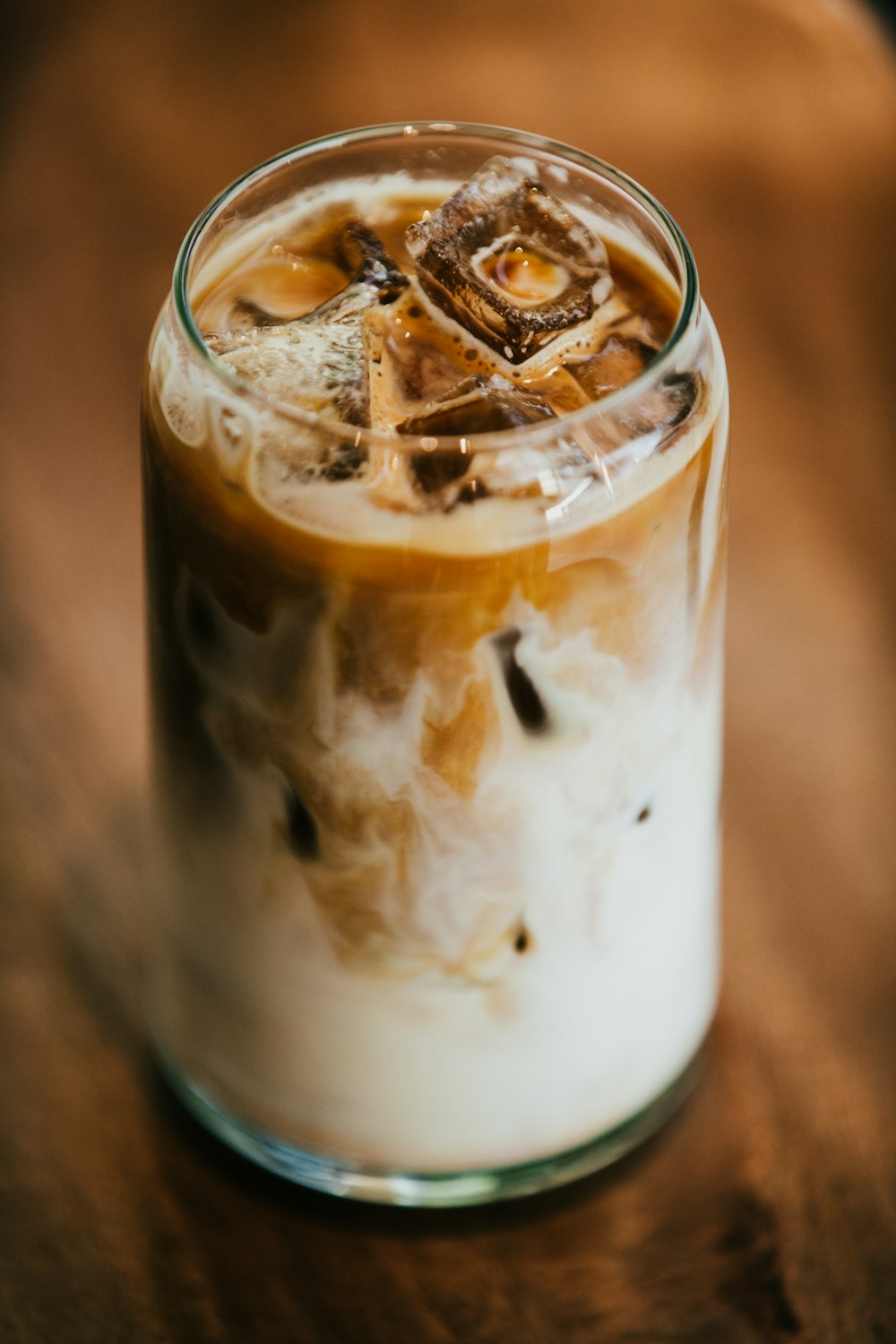
Caesar Salad

Caesar Salad

$9

Romaine, croutons, parmesan, house dressing
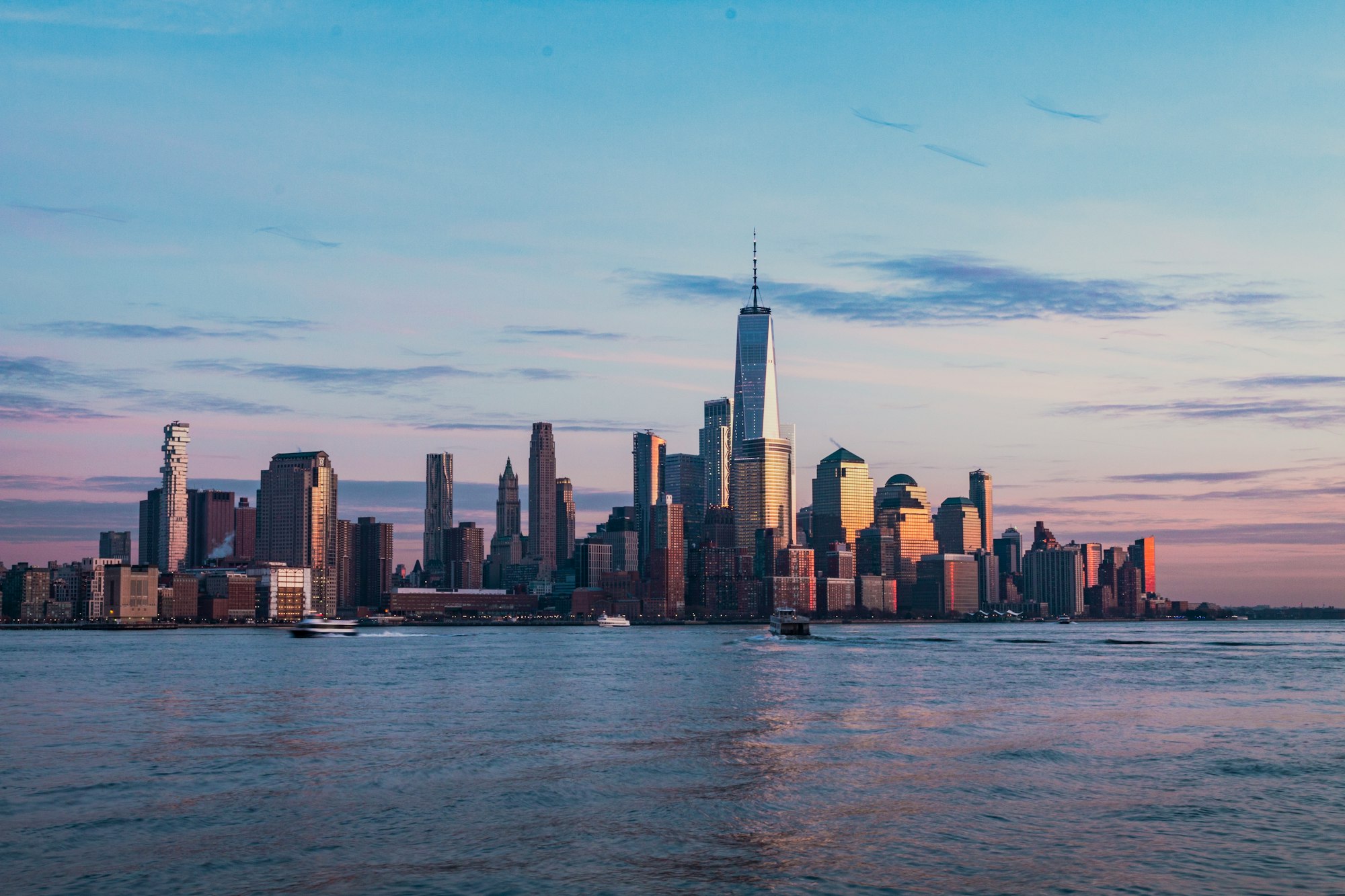
Tiramisu

TiramisuNew

$7

Espresso-soaked ladyfingers, mascarpone
Layout

List (no leader)

Layout = list-plain

Margherita Pizza

Margherita PizzaPopular

$12

San Marzano tomatoes, mozzarella, fresh basil
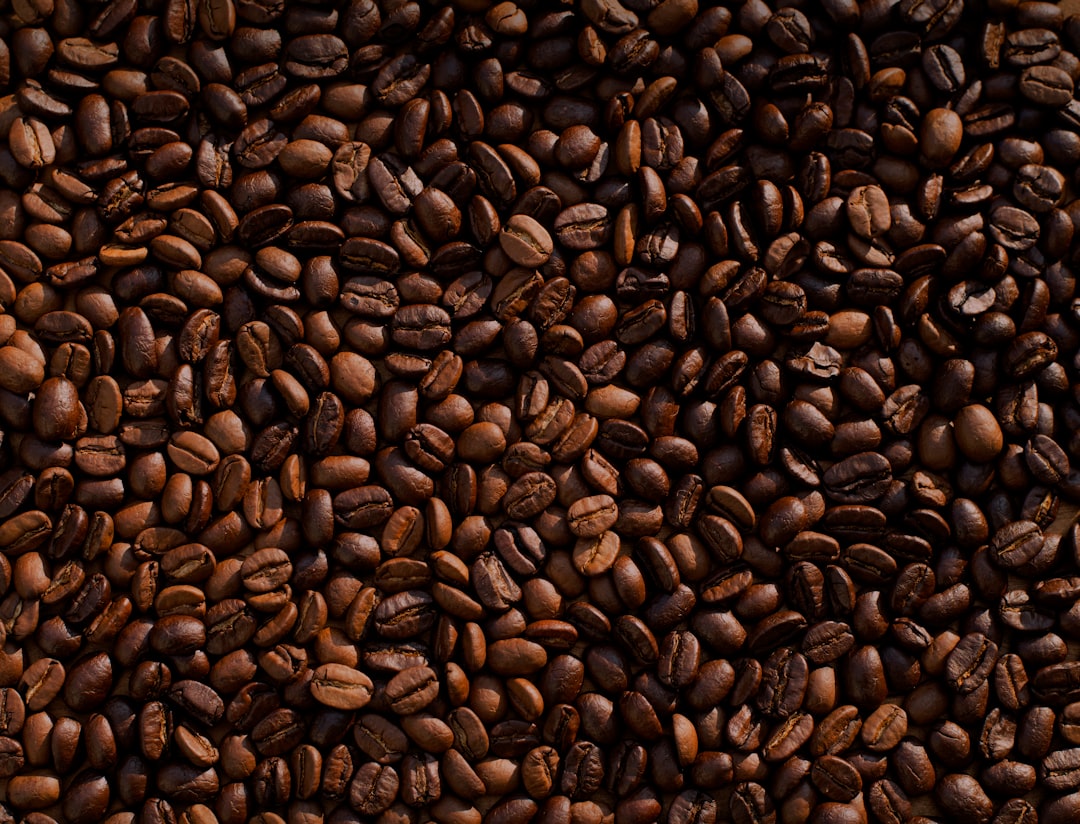
Truffle Pasta

Truffle Pasta

$22$18

Fresh tagliatelle, black truffle, parmesan
Caesar Salad

Caesar Salad

$9

Romaine, croutons, parmesan, house dressing

Tiramisu

TiramisuNew

$7

Espresso-soaked ladyfingers, mascarpone

Layout

Cards grid

Layout = cards

Margherita Pizza

Margherita PizzaPopular

$12

San Marzano tomatoes, mozzarella, fresh basil

Truffle Pasta

Truffle Pasta

$22$18

Fresh tagliatelle, black truffle, parmesan

Caesar Salad

Caesar Salad

$9

Romaine, croutons, parmesan, house dressing

Tiramisu

TiramisuNew

$7

Espresso-soaked ladyfingers, mascarpone

Layout

Image left

Layout = image-left

Margherita Pizza

Margherita PizzaPopular

$12

San Marzano tomatoes, mozzarella, fresh basil

Truffle Pasta

Truffle Pasta

$22$18

Fresh tagliatelle, black truffle, parmesan

Caesar Salad

Caesar Salad

$9

Romaine, croutons, parmesan, house dressing

Tiramisu

TiramisuNew

$7

Espresso-soaked ladyfingers, mascarpone

Layout

Image top (grid)

Layout = image-top

Margherita Pizza

Margherita PizzaPopular

$12

San Marzano tomatoes, mozzarella, fresh basil

Truffle Pasta

Truffle Pasta

$22$18

Fresh tagliatelle, black truffle, parmesan

Caesar Salad

Caesar Salad

$9

Romaine, croutons, parmesan, house dressing

Tiramisu

TiramisuNew

$7

Espresso-soaked ladyfingers, mascarpone

Options reference

Every control the widget exposes, grouped by panel section. Names in code are the setting keys used by the MCP tools (add-free-widget, update-widget).

Content tab

Menu Items

OptionTypeChoices / rangeDefaultNotes
Layout
layout
DropdownList (dotted leader), List (no leader), Cards grid, Image left, Image top (grid)list
Columns
columns
Dropdown1, 2, 3, 42Responsive
Items
items
Repeater4 items
↳ Title
title
TextMargherita Pizza
↳ Price
price
Text$12
↳ Old Price (strike)
old_price
Text
↳ Description
description
TextareaSan Marzano tomatoes, mozzarella, fre...
↳ Badge
badge
Text
↳ Image
image
Image
↳ Link
link
Link
Title HTML Tag
title_tag
DropdownH3, H4, H5, divh4

Style tab

Item

OptionTypeChoices / rangeDefaultNotes
Gap Between Items
gap
Slidermin 0, max 80, px20Responsive
Background
item_bg
Color
Hover Background
item_bg_h
Color
Padding
item_pad
DimensionsResponsive
Border
item_border
Border
Border Radius
item_radius
Dimensions
Box Shadow
item_shadow
Box shadow
Hover Box Shadow
item_shadow_h
Box shadow
Divider Between Items
divider_on
Toggleon / offyes
Divider Color
divider_color
Color#eaecf0Shown when divider_on = yes

Title & Price

OptionTypeChoices / rangeDefaultNotes
Title Typography
title_typo
Typography
Title Color
title_color
Color#101828
Title Hover Color
title_color_h
Color
Price Typography
price_typo
Typography
Price Color
price_color
Color#6a11cb
Old Price Color
old_price_color
Color#98a2b3
Dotted Leader Color
leader_color
Color#d0d5dd
Leader Style
leader_style
DropdownDotted, Dashed, Soliddotted

Description & Badge

OptionTypeChoices / rangeDefaultNotes
Description Typography
desc_typo
Typography
Description Color
desc_color
Color#667085
Description Spacing
desc_mt
Slidermin 0, max 40, px4
Badge Typography
badge_typo
Typography
Badge Text
badge_color
Color#ffffff
Badge Background
badge_bg
Color#f04438
Badge Radius
badge_radius
Slidermin 0, max 999, px999

Image

OptionTypeChoices / rangeDefaultNotes
Image Width (image-left)
img_w
Slidermin 40, max 300, px90Responsive
Image Height
img_h
Slidermin 40, max 500, px90Responsive
Image Radius
img_radius
Slidermin 0, max 100, px/%10
Image Spacing
img_gap
Slidermin 0, max 60, px16
CSS Filters
img_filter
Css_filter

Add it with the MCP tools

Any connected agent can place this widget: call add-free-widget with widget_type: "emcp_custom_95" and a settings object using the keys above. Run get-custom-widget with id 95 for the full JSON spec.